

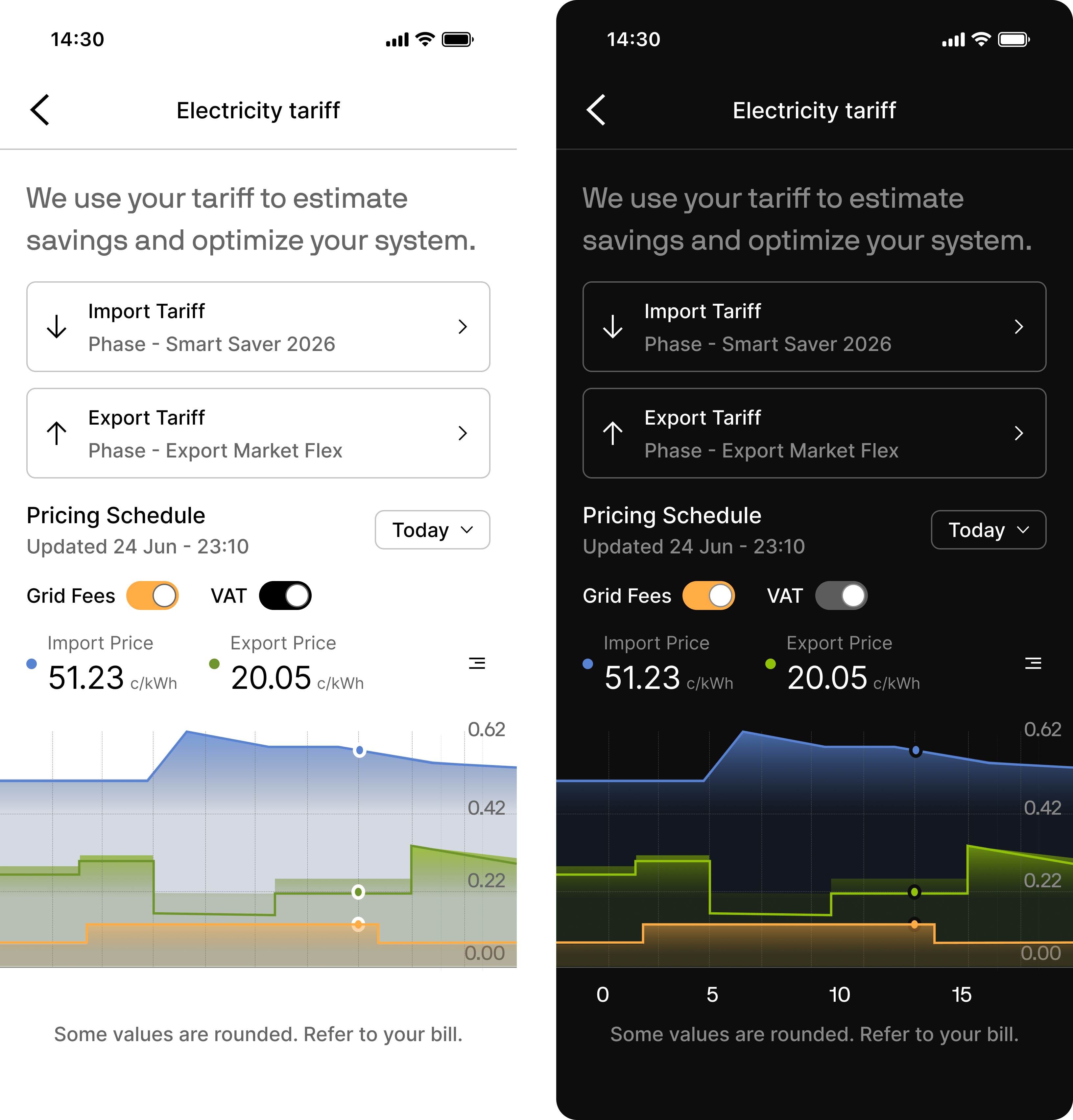
Set the mode
Passui when you start the session:
Connect does not read the device’s appearance setting, so pass the mode your app shows when the session starts. If the user changes appearance mid-session, the session finishes in the mode it started in.
ui applies to the hosted WebView only, so omit it when you build your own UI.